
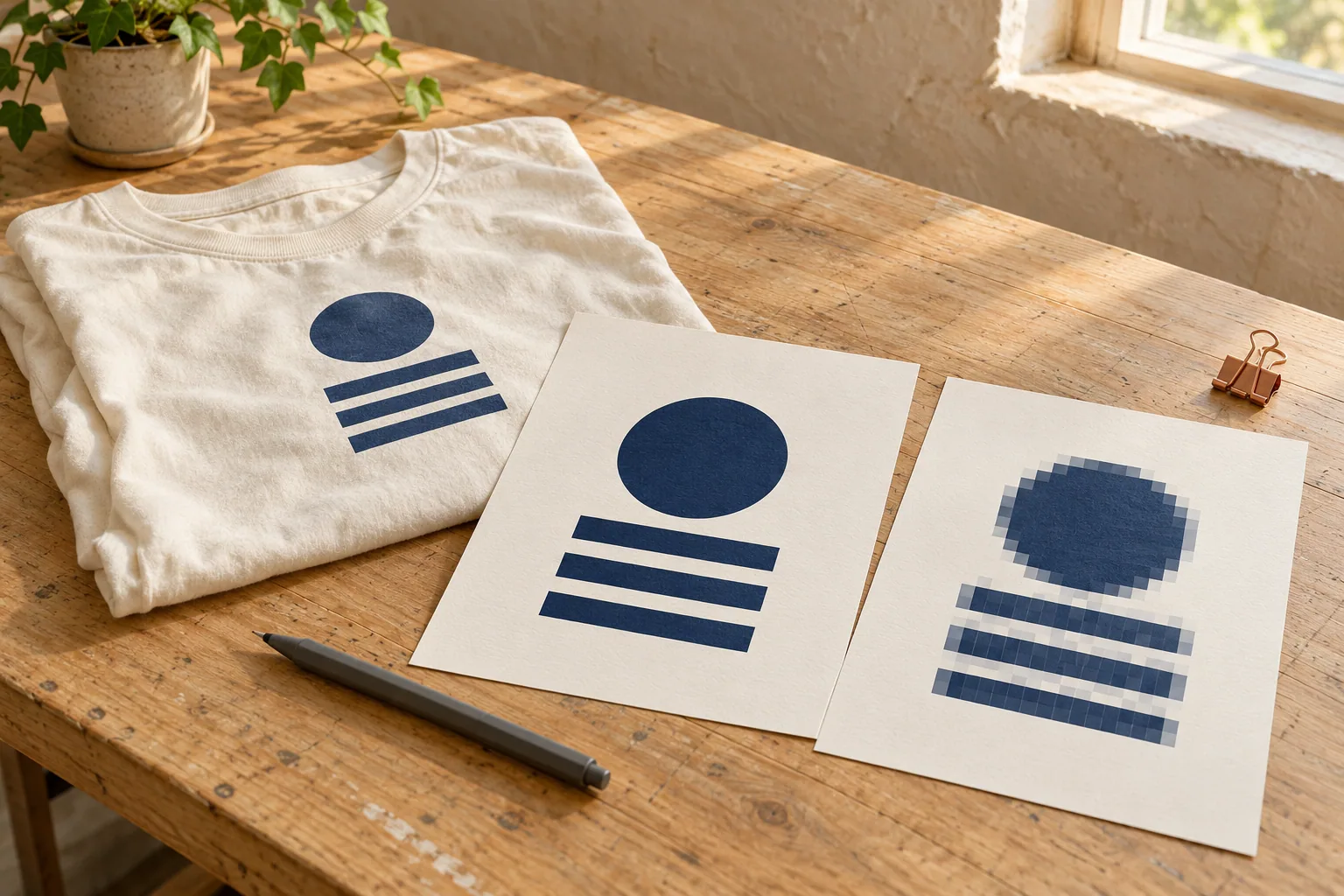
The best file types for T-shirt printing depend on your artwork: original vector files are useful for logos and lettering, while high-quality original raster images suit photographs. Send the editable source when available, plus a preview and the intended print size. A PDF, PNG, or JPEG still needs review; the extension alone cannot establish print quality.
At DDESIGNS, artwork help is part of the screen-printing service. Bring what you have, explain what you want, and let the artwork review determine the next step.
Start with the original artwork
The most useful file is often the one created before your logo was copied onto a website, social profile, or presentation.
If a designer made your logo, ask for the original vector artwork and a preview image. If you designed it yourself, return to the original project and check the export options. If the design includes a photograph, use the original photo instead of an image downloaded from a messaging app.
Why does this matter? Each extra screenshot, resize, or compressed download can remove information. A small website logo may look perfectly clear on a phone while lacking the detail needed for a large shirt print.
Renaming the file will not restore that detail. Changing “logo.jpg” to “logo.svg” does not turn it into vector artwork.
Vector and raster: the difference that matters
Vector graphics use paths and shapes. They are especially useful for logos, lettering, and solid-color illustrations that need to be resized.
Raster images use pixels. Photographs are a familiar example. Their available detail depends partly on how many pixels they contain and how large they are reproduced.
Neither is automatically the right choice for every design. A vector logo and a high-resolution photograph can both be useful production assets. The important question is whether the file supports the intended output. Adobe explains these differences in its image guide.
Consider a school event design with a mascot and lettering. Original vector artwork gives the print shop useful shapes to work with. A graduation shirt featuring a photograph calls for a clear original photo, even if the surrounding text is vector.
Compare the best file types for T-shirt printing
File extensions provide clues, but the contents still need checking.
| Format | Useful starting point | What to check |
|---|---|---|
| AI, EPS, or SVG | Original logos, lettering, vector illustrations | Embedded photographs or effects may still be raster |
| Sharing artwork while preserving layout | May contain vector art, raster images, or both | |
| PNG | Raster artwork with a transparent background | Transparency does not guarantee adequate resolution |
| JPEG | Photographs and other raster images | Compression and repeated saving can reduce quality |
This is a general guide, not a list of guaranteed DDESIGNS upload requirements. Send the original file and ask the shop to confirm its suitability.
A PDF containing a tiny screenshot is still a tiny screenshot inside a PDF. Likewise, an Illustrator file can contain a low-resolution image. The filename alone cannot establish print quality.
How much resolution does your artwork need?
“High resolution” needs a measurement.
Suppose an image is 3,000 pixels wide. Printed at 10 inches wide, it provides 300 pixels per inch. Printed at 15 inches wide, that same file provides 200 pixels per inch.
The arithmetic is simple:
Pixel width ÷ printed width in inches = pixels per inch.
Adobe identifies 300 ppi as a common benchmark for high-quality printing, but the appropriate requirement depends on the process, artwork, and output. Treat it as a useful conversation starter rather than a universal acceptance rule.
Tell the shop whether the design belongs on the left chest, across the front, or on the back. If you do not know the dimensions, describe the placement and let the team recommend a size.
Changing the resolution number in a file does not necessarily add genuine detail. Enlarging a small image can make it bigger without making it sharper.
Match the artwork to the printing method
For screen printing, the artwork needs to translate into the colors and screens used in production. Clean shapes and legible lettering help make that work manageable.
For a design with a photograph, gradients, or a small order quantity, another process may be appropriate. DDESIGNS offers DTF printing for detailed, full-color designs, with no minimums. Screen-printing minimums are confirmed at quote.
That does not mean every photograph requires DTF or every logo requires screen printing. Quantity, garment, design, and intended result all matter. Send the design before committing to a method. Our DTF vs. screen-printing guide explains the broader tradeoffs.
Avoid converting colors or flattening your only editable copy just because an online checklist says to. Keep the original intact and ask what production file the shop needs.
Check these details before sending
A short message accompanying your artwork can prevent a long chain of follow-up emails.
Include:
-
The garment type and preferred shirt color.
-
The approximate quantity and size range.
-
The intended print locations.
-
Your event date or required delivery date.
-
The original artwork and any brand color references.
-
Any details that must remain unchanged.
Check spelling, dates, names, and sponsor information yourself. A beautifully printed typo is still a typo.
Send artwork you are authorized to use, and flag any school, sponsor, or brand approval that the design must satisfy.
For transparent artwork, mention which areas should remain unprinted. A white background and white artwork can mean very different things on a dark shirt.
What if all you have is a screenshot?
Send it as a reference and explain that it is the only version available.
Some simple designs can be reconstructed. Detailed illustrations or photographs may require a better original or a different approach. The useful first step is a review, not an automatic online conversion.
DDESIGNS can help with artwork, but the scope of any cleanup should be agreed before production. Do not assume a blurry image can be restored perfectly.
Review the proof as carefully as the file
The proof is your opportunity to check the proposed result before printing begins.
Look at the wording, colors, placement, and design proportions. Confirm which garment sizes are included and ask how the design will fit the smallest shirt in the order. If a detail seems unclear, raise it then.
Our PMS color guide explains how to share a precise brand-color reference. A screen preview also has limits. If an exact brand color matters, provide the reference and discuss the expected match rather than judging only from a phone display.
FAQ: file types for T-shirt printing
Is a vector file always required for a shirt design? No. Original vector artwork is useful for logos and lettering, while a clear original photograph is normally raster artwork. The right production file depends on the design, print dimensions, garment, and decoration method.
Can you print a PNG on a T-shirt? A PNG can be a useful starting point, particularly when the artwork needs a transparent background. Its pixel dimensions still need to support the intended print size. Transparency alone does not establish that the file is production-ready.
Is a PDF automatically a vector file? No. A PDF can contain vector shapes, raster images, or a mixture of both. Exporting a small screenshot into a PDF does not add missing detail, so send the original artwork when you have it.
Do all shirt images need to be 300 ppi? Treat 300 pixels per inch at the intended print size as a general benchmark, not a universal DDESIGNS requirement. Artwork and printing processes differ. Ask the shop to review the actual file before you rebuild or enlarge it.
What should I do if my only logo is a screenshot? Send the screenshot as a reference and explain that you do not have an original. The shop can assess whether cleanup, reconstruction, or a different design approach is appropriate. Agree on the scope of that work before production.
Send the file you have
Still deciding on the best file types for T-shirt printing? Send DDESIGNS your artwork and request a quote or call 417-839-5222. Tell our Springfield, MO team what you have, where it will print, and when you need it. Delivery dates are set at the time of purchase, so you’ll always know exactly when your order will arrive.
Featured image: AI-generated product illustration.